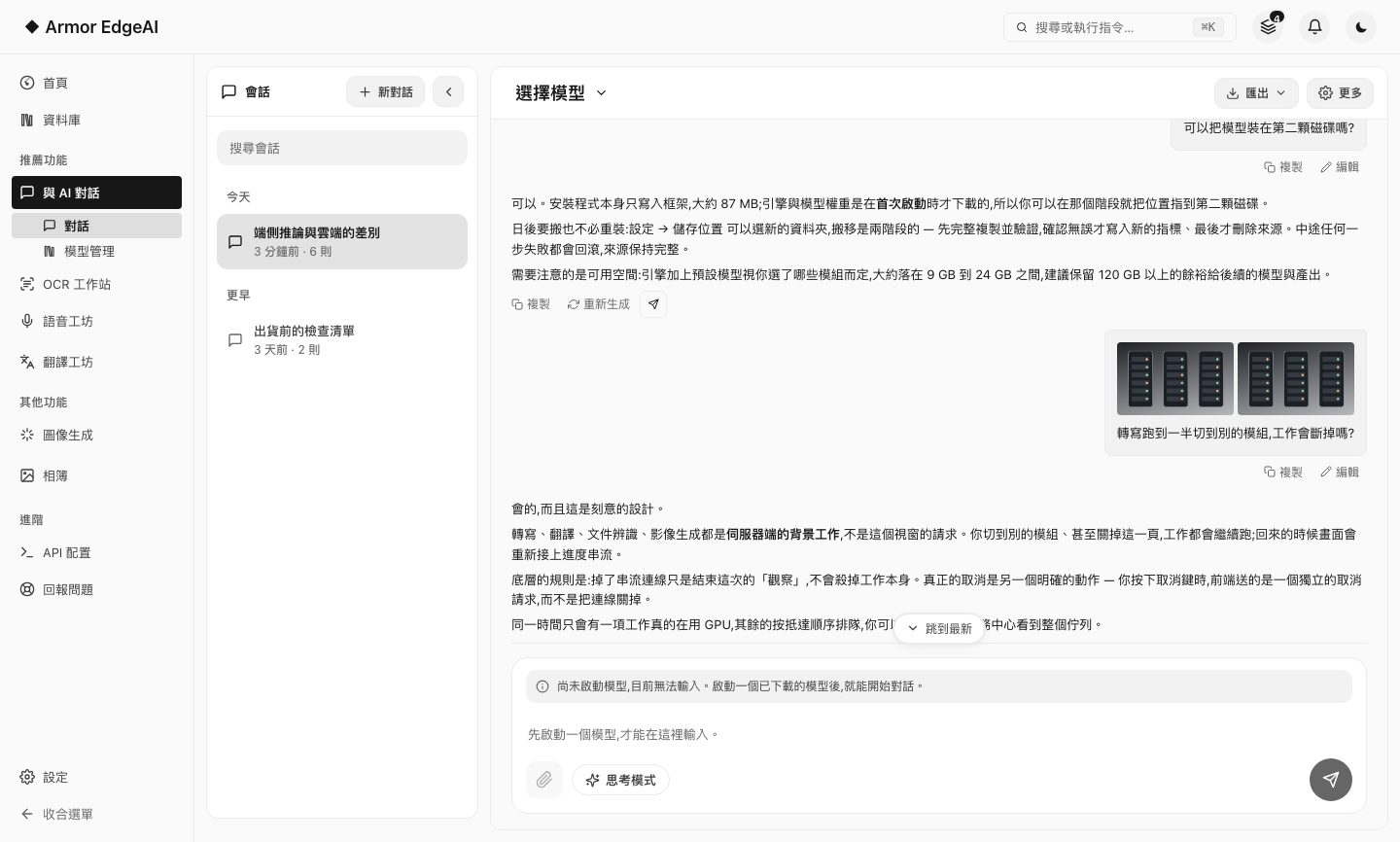
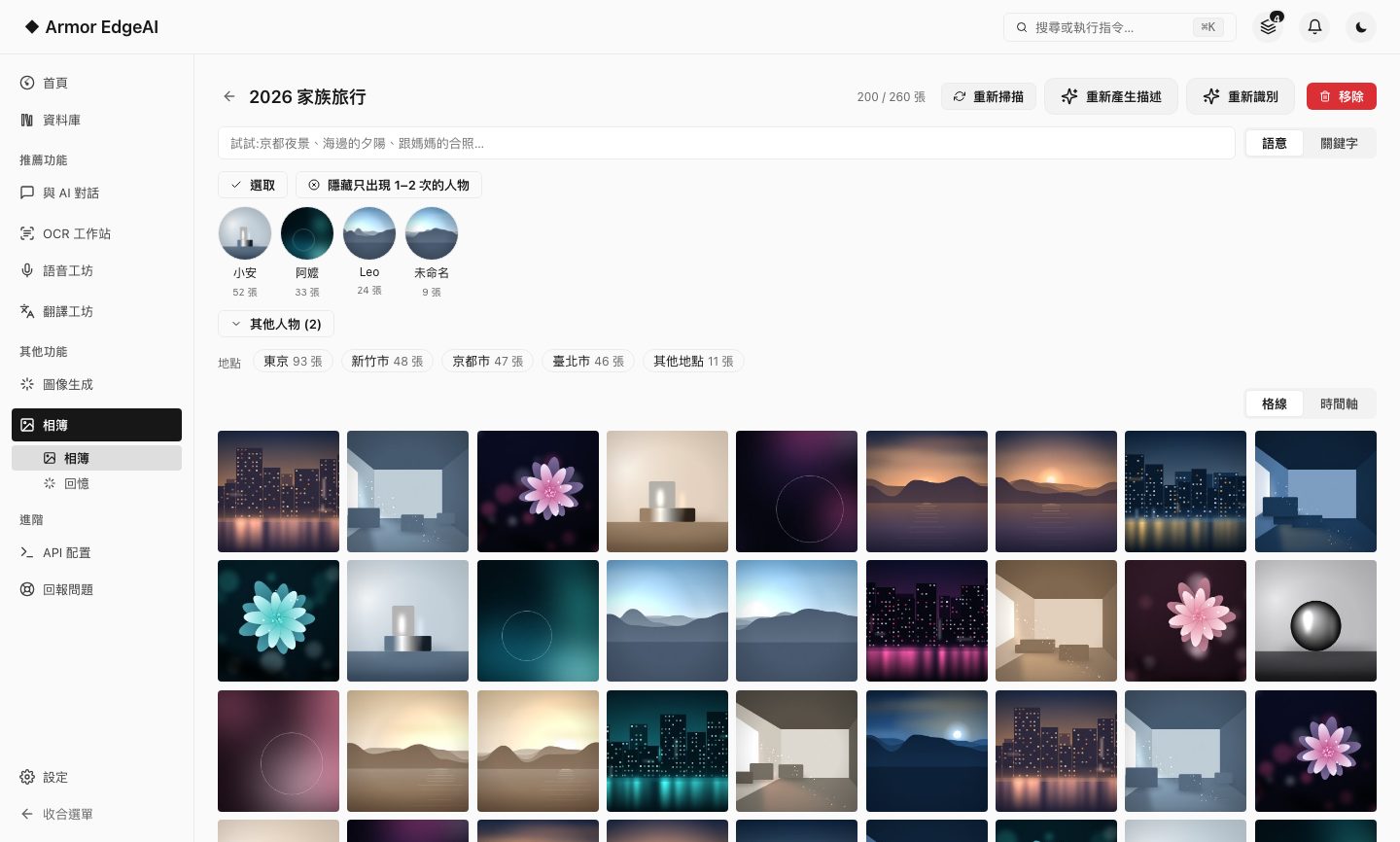
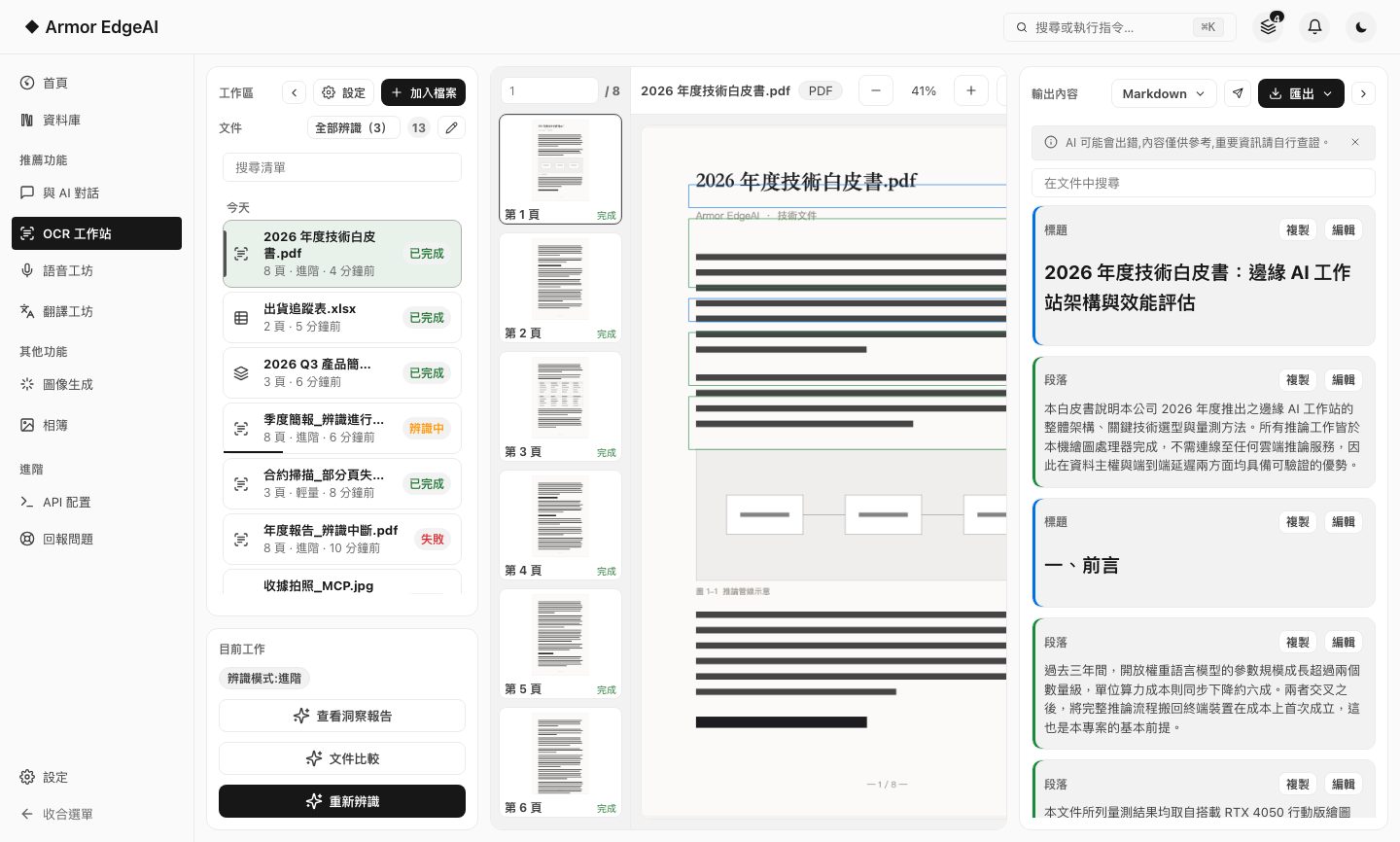
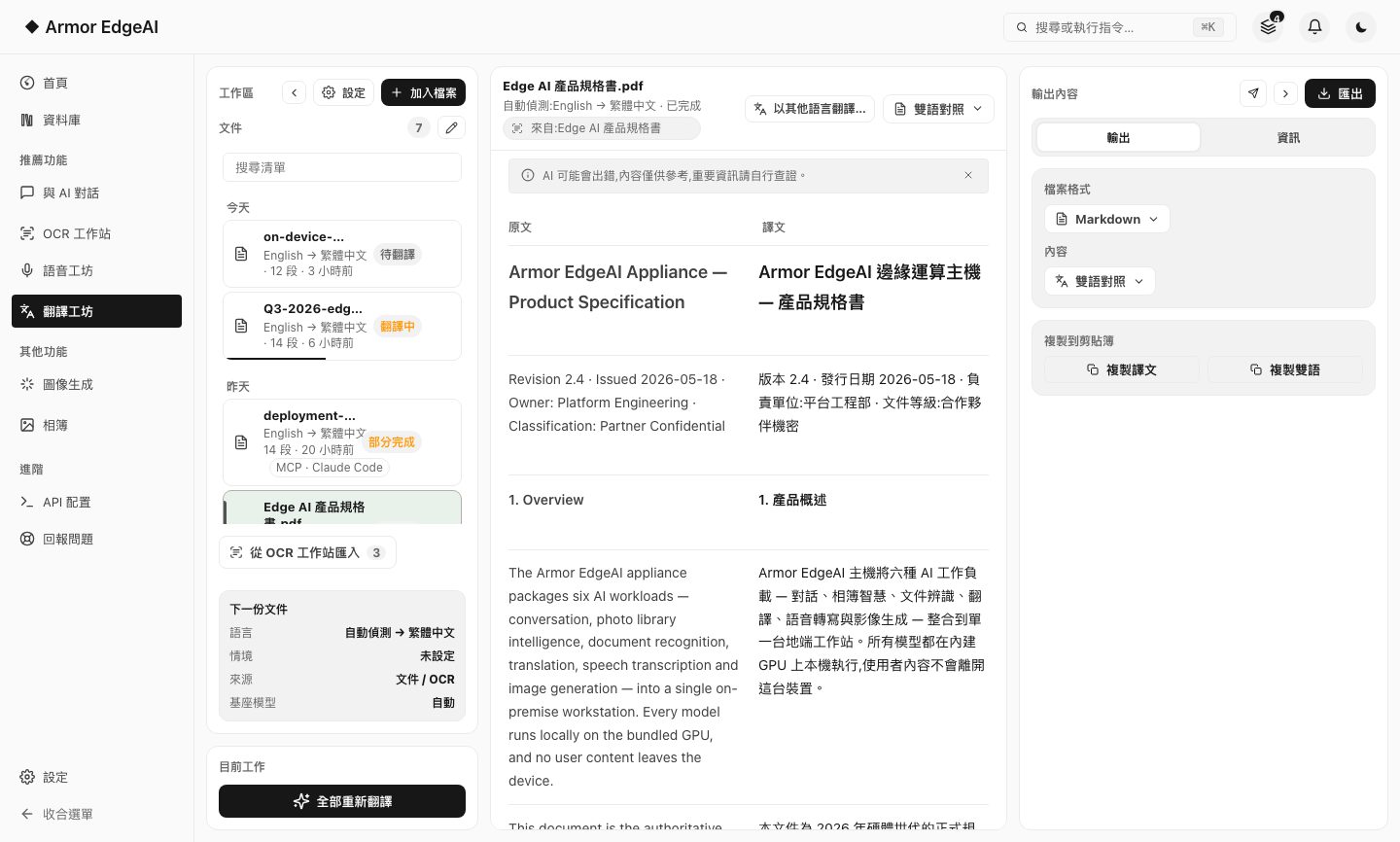
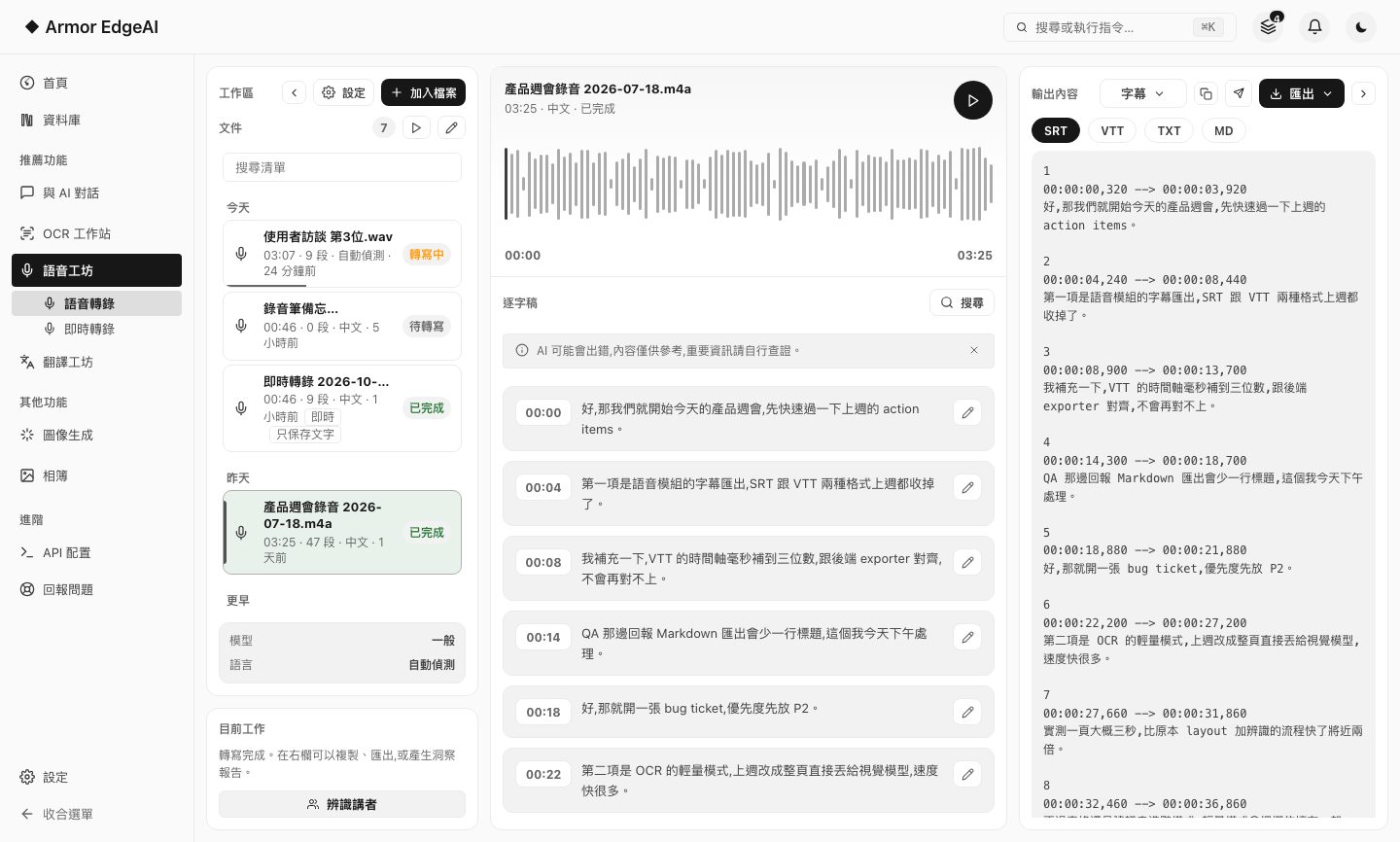
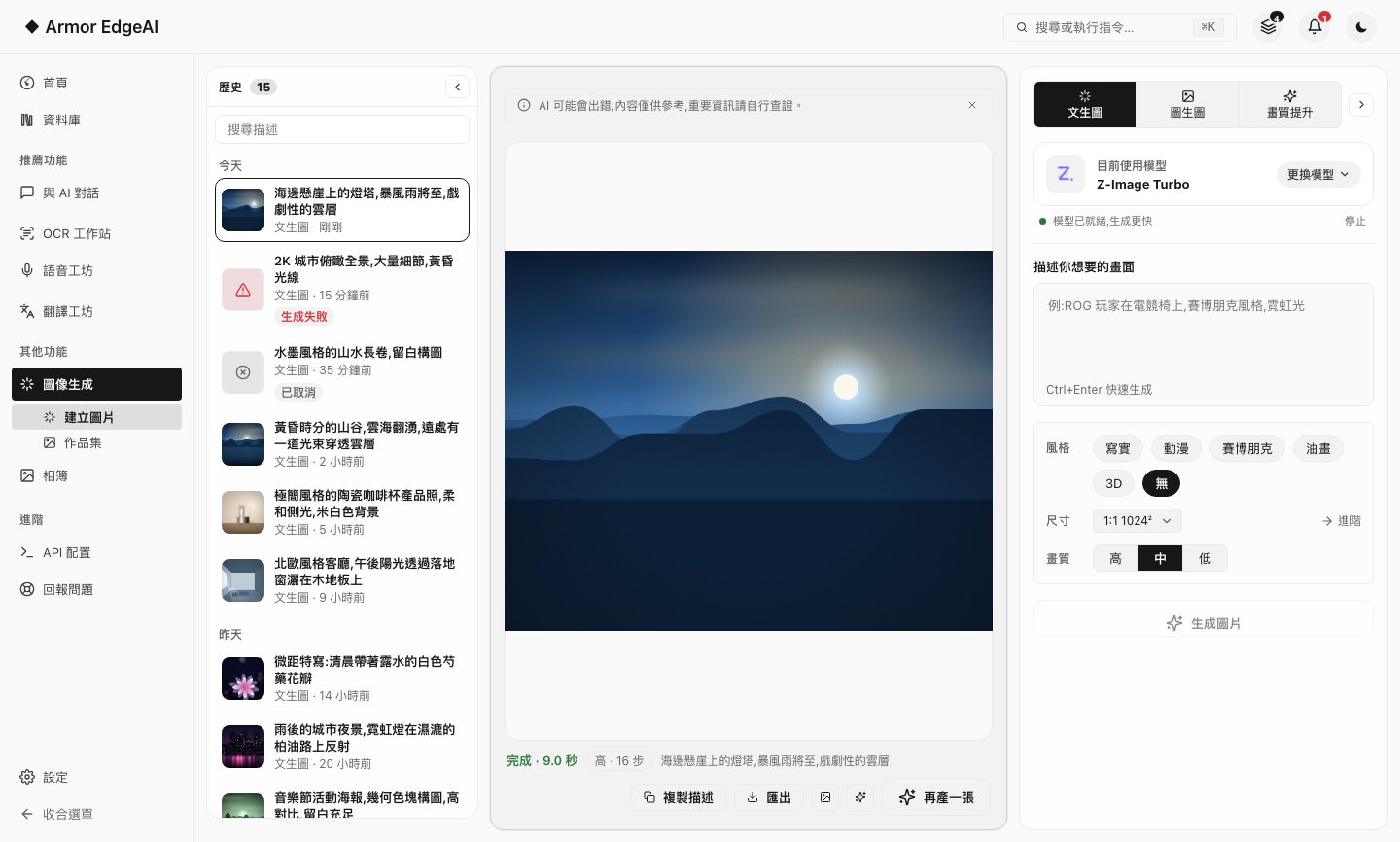
Six modules, one machine, fully offline.
Not six disconnected tools but one complete workstation: one interface, one model manager, one privacy baseline — and every module below keeps working just the same on a machine with no internet.
Pick one to start with.
Every module has its own page that takes the features apart one by one, with a demo you can play with.
AI Chat
01 / 06Large language models running on your own machine, with thinking mode and long context.
Speech Studio
02 / 06Transcribe recordings and videos with synced subtitles, theater mode and insight reports.
Document Recognition
03 / 06Layout analysis and text recognition for scans and PDFs, with document compare and insight reports.
Translation Studio
04 / 06Import documents, translate and refine segment by segment, export — fully offline.
Image Generation
05 / 06Text-to-image, image-to-image and image enhancement — multiple models and styles, up to 2K output.
Smart Photos
06 / 06An on-device vision model that understands your photos: descriptions, search, people, memories.
The specs, stated plainly.
Only a few numbers — but each one directly affects your data and your experience. Actuals depend on your device and model choices.
Recommended hardware
Every module runs on standard configurations; machines with a discrete GPU and 16 GB+ RAM get the best experience for image generation and larger models. The app recommends models suited to your hardware.
Storage
Models download on demand — typical combinations take about 3–25 GB. Add or remove them anytime in the model manager, with usage shown at a glance.
Languages
The interface ships in Traditional Chinese, Simplified Chinese, English and Japanese, switchable in Settings; chat and translation models are multilingual (Chinese, English, Japanese and more, model-dependent).
Updates
New versions download in the background and apply on next launch; model and engine updates never interrupt your work.
Got the machine? Four steps.
Install, agree, activate, download models — most of the time is just the download.
Get started