Module 06 / 06
Image Generation
Generate on your own GPU — no queues, no credits, no uploads; plus a tool that upscales an existing image 4x and rebuilds its detail.
FEATURE 01
Image Generation
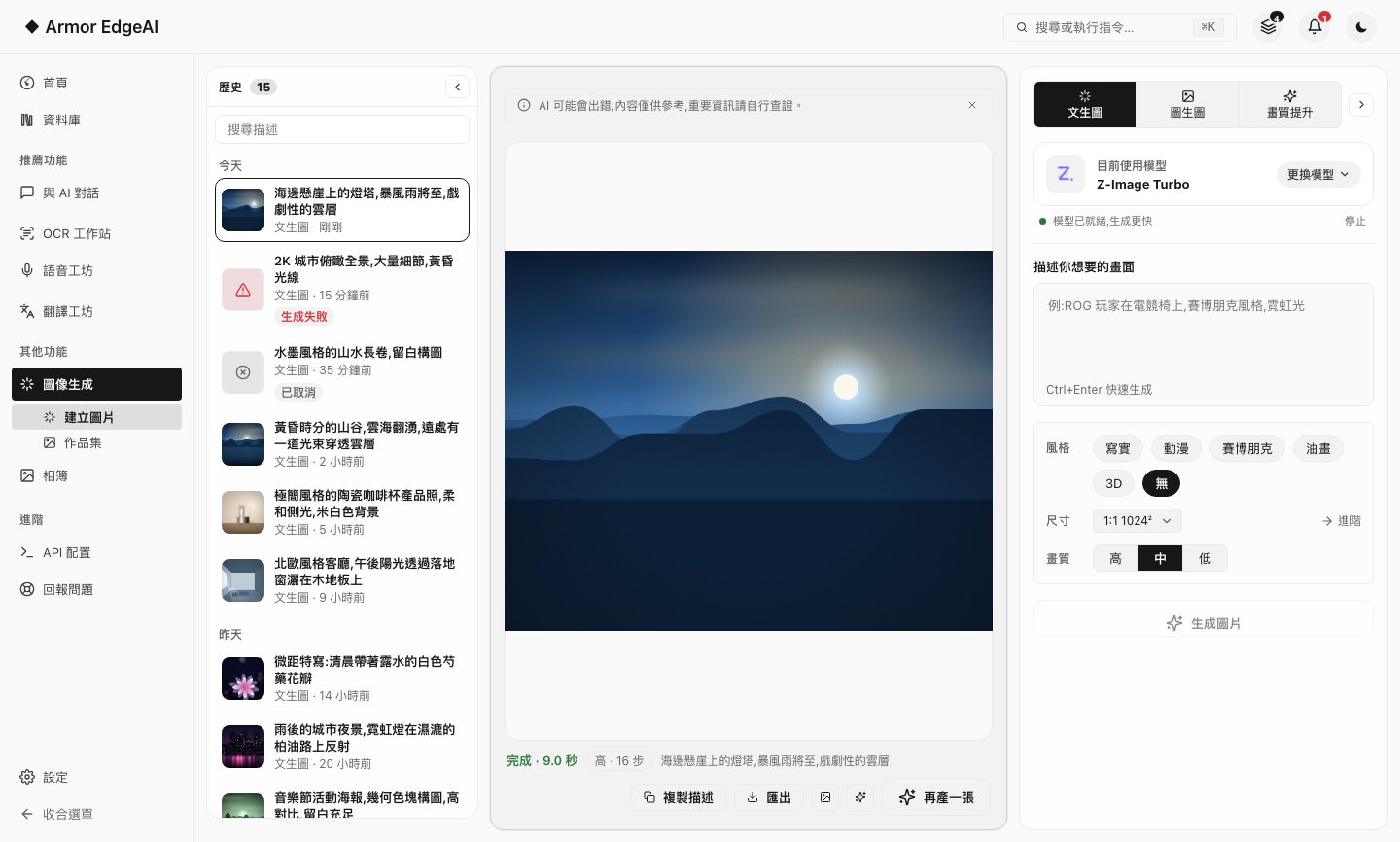
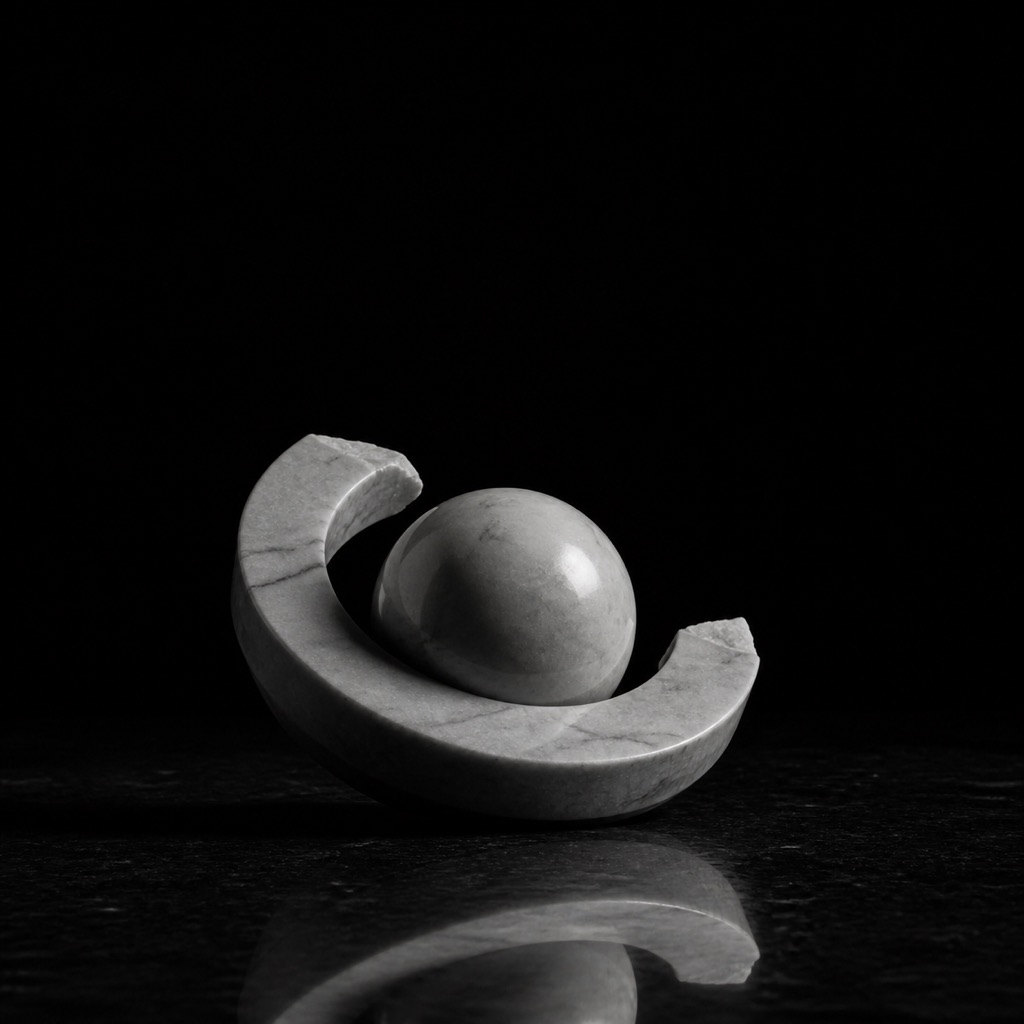
One sentence becomes an image, or start from a base image and repaint it; a choice of open-source models and styles, up to 2K output.
- Two starting pointsText-to-image works with every model; image-to-image works with the models that support it, and a slider sets how much to change.
- Honest progressA percentage shows only while it is genuinely rendering; stages like model loading don't invent numbers.
- 2K in two stagesHigh-resolution output renders a draft first, then upscales and rebuilds the detail, then crops to the target size — it isn't a single-shot large-image generation.
- ReproducibleThe gallery records the seed and prompt, so one click makes another image with the same settings.
FEATURE 02
Image enhancement
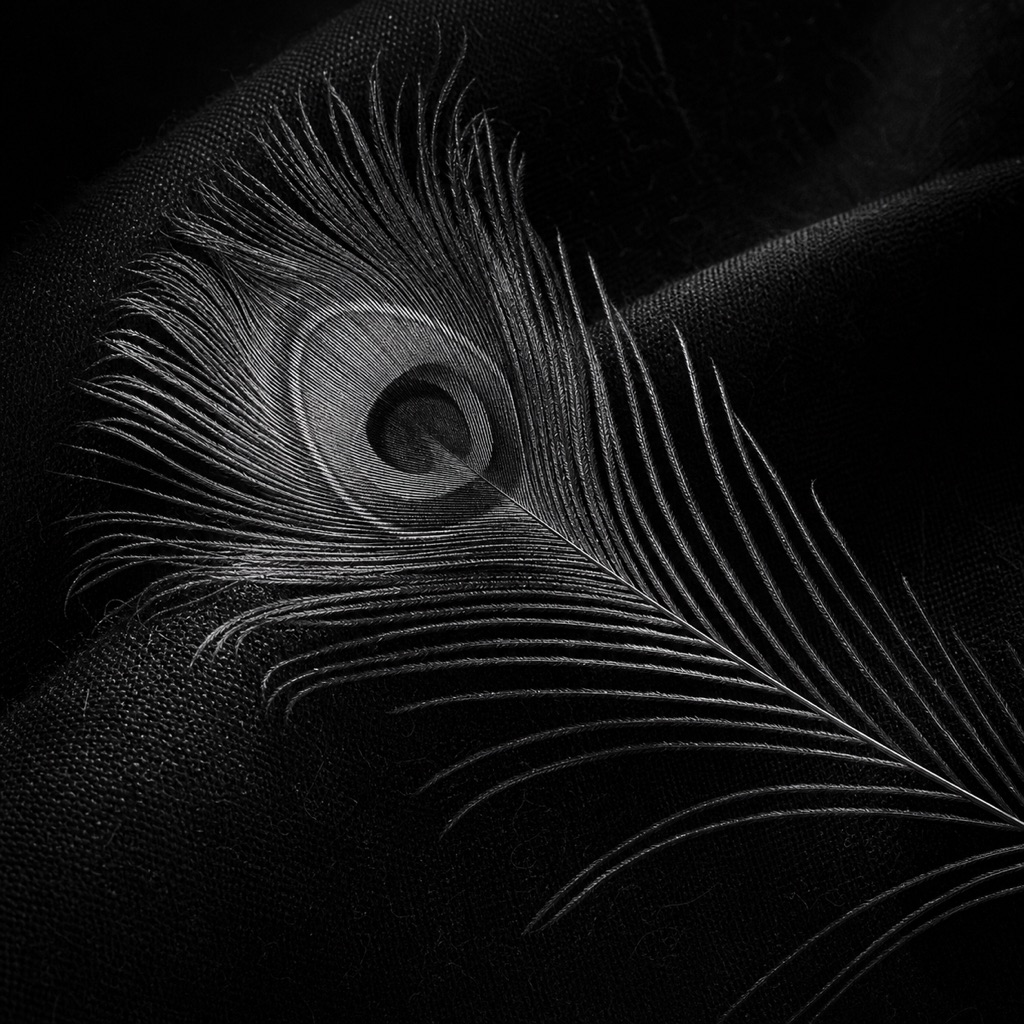
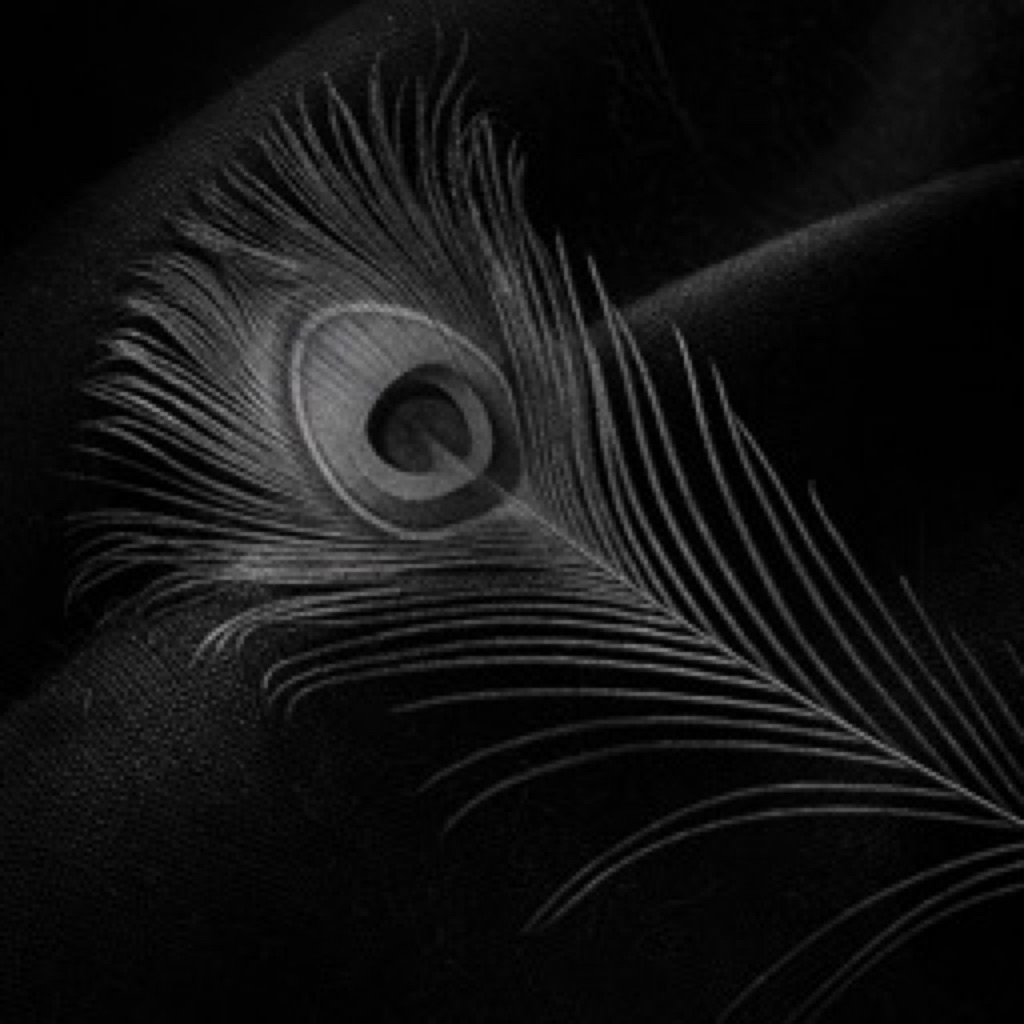
Upscale an image 4x and rebuild its detail and edges; when it's done, drag the divider in the middle and judge the difference yourself.
- Any sourceNot only images generated here — any PNG, JPG or WebP you have works.
- The result, stated firstAs soon as you pick an image you're told how large the output will be; anything with a long edge over 1536 is scaled down before being upscaled and rebuilt.
- Saved to the galleryResults are saved to your gallery automatically; gallery images can also go straight to enhancement or image-to-image.
Next
Got the machine? Four steps to start
Install, agree, activate, download models — most of the time is just the download.